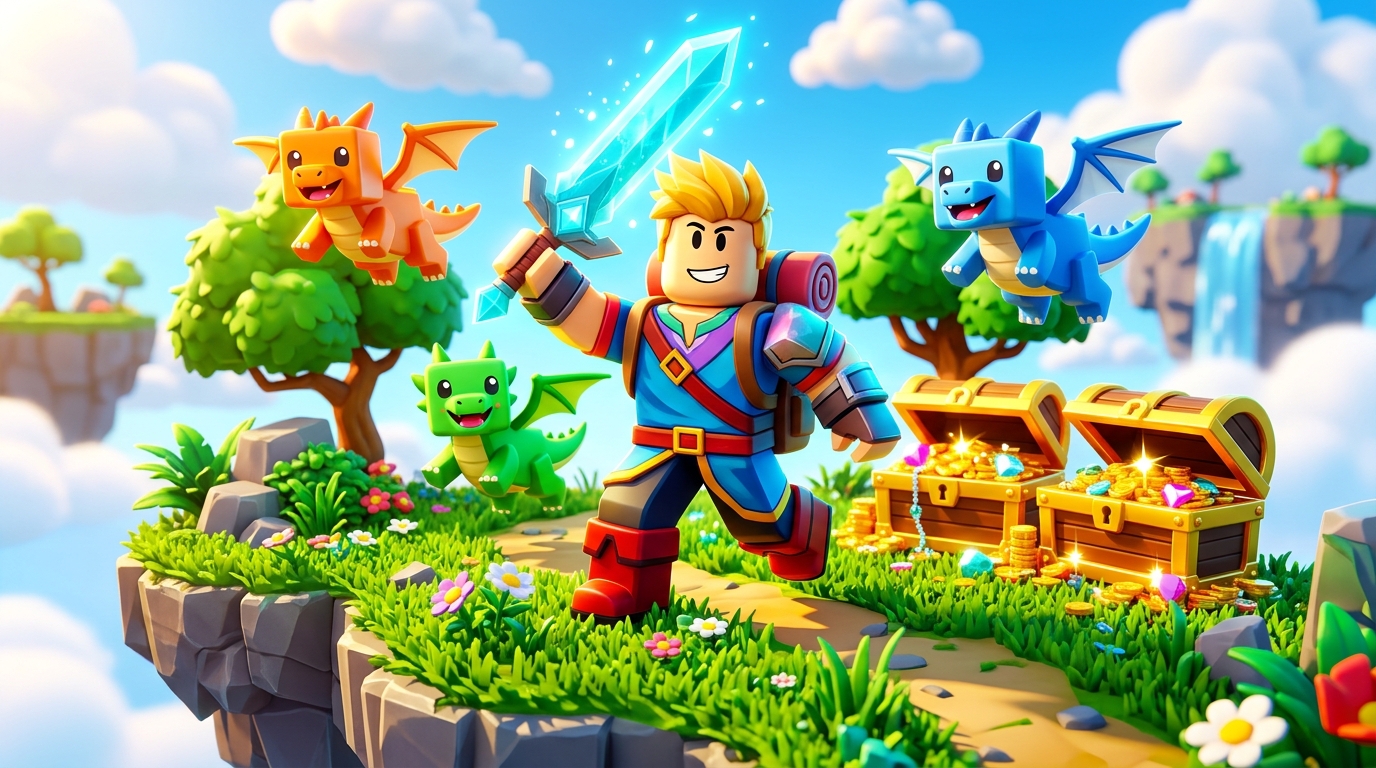
16:9 Thumbnail
Pet & Sword Simulator
16:9 Simulator Thumbnail — bright high-contrast rim light & floating dragon pets.
AI Roblox Thumbnail, Icon & 3D GFX Studio
Create high-CTR 16:9 Roblox thumbnails, 1:1 game icons, gamepass badges, and 3D character GFX in seconds — tuned for Simulator, Anime, Horror, Obby, and Tycoon developers.
Your generated Roblox graphic appears here
Choose a format, pick a Roblox art style, describe your scene, and click Generate. New accounts start with 20 free credits on Google sign-in.
High-CTR Roblox thumbnails, crisp 1:1 icons, and 3D GFX styles tuned specifically for Roblox creators.
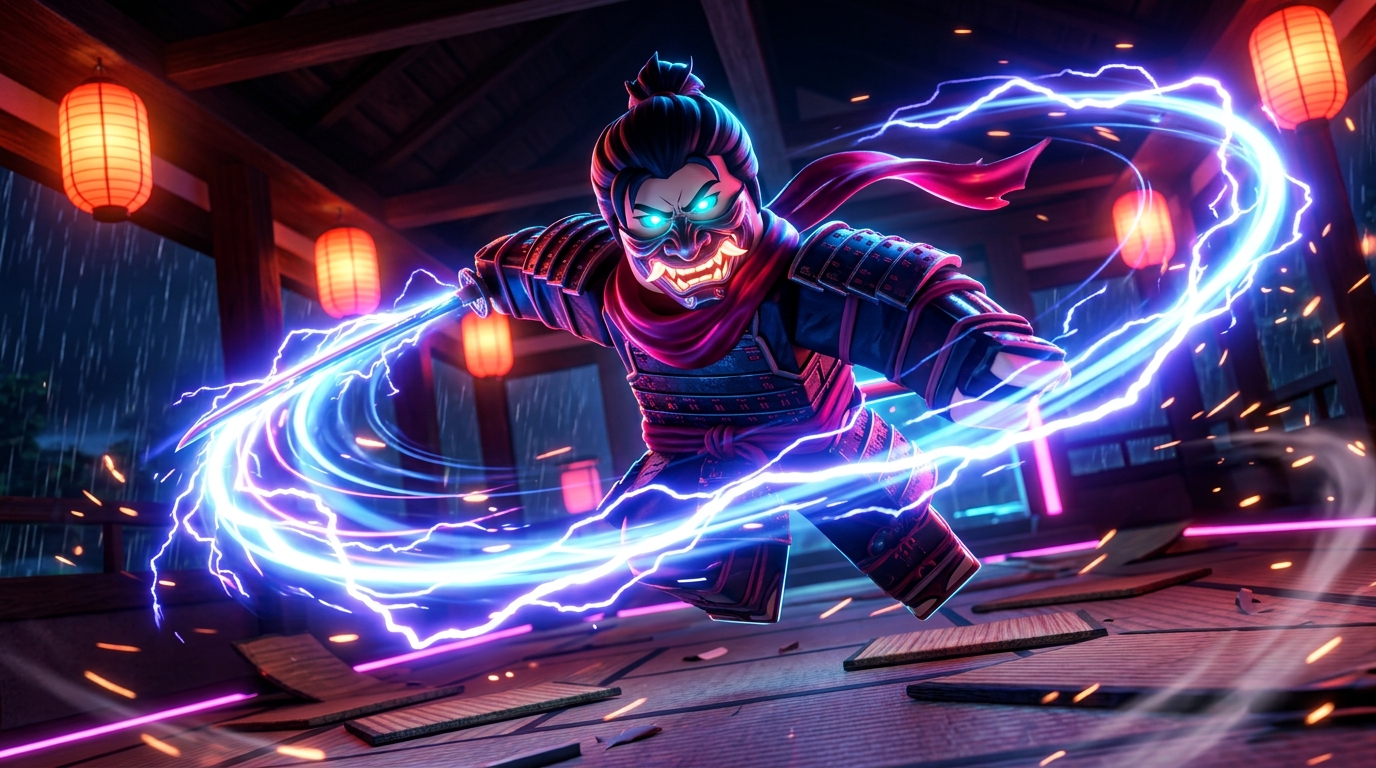
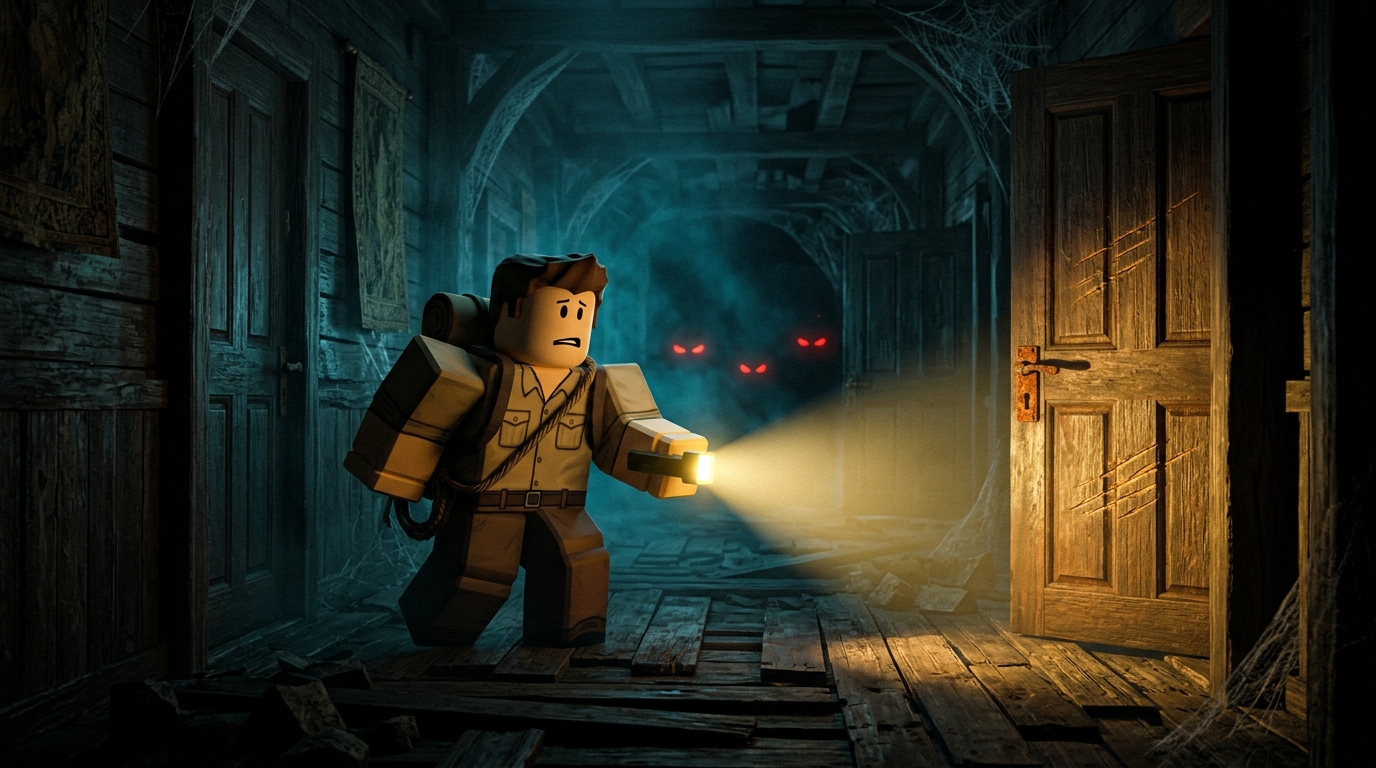
Every Roblox developer knows that your game thumbnail (16:9) and game icon (1:1) decide whether players click your experience on the Home and Discover feeds. Traditionally, getting a single studio-quality Roblox GFX meant spending hours posing rigs in Blender and Photoshop, or paying $15–$50 per image on Fiverr and waiting days for revisions.
GFXBlox is built specifically for Roblox creators and indie studios. Instead of wrestling with generic AI prompts that turn characters into Lego or off-brand cartoons, GFXBlox locks in tested Roblox R6/R15 blocky 3D render presets across the six highest-converting Roblox genres — Simulator, Anime Action, Survival Horror, Obby, Tycoon, and Tactical FPS — and outputs exact 16:9 thumbnails and 1:1 icons ready for Roblox Studio.
Generate 16:9 high-CTR game thumbnails tailored for Simulator, Anime, Obby, and Horror experiences.
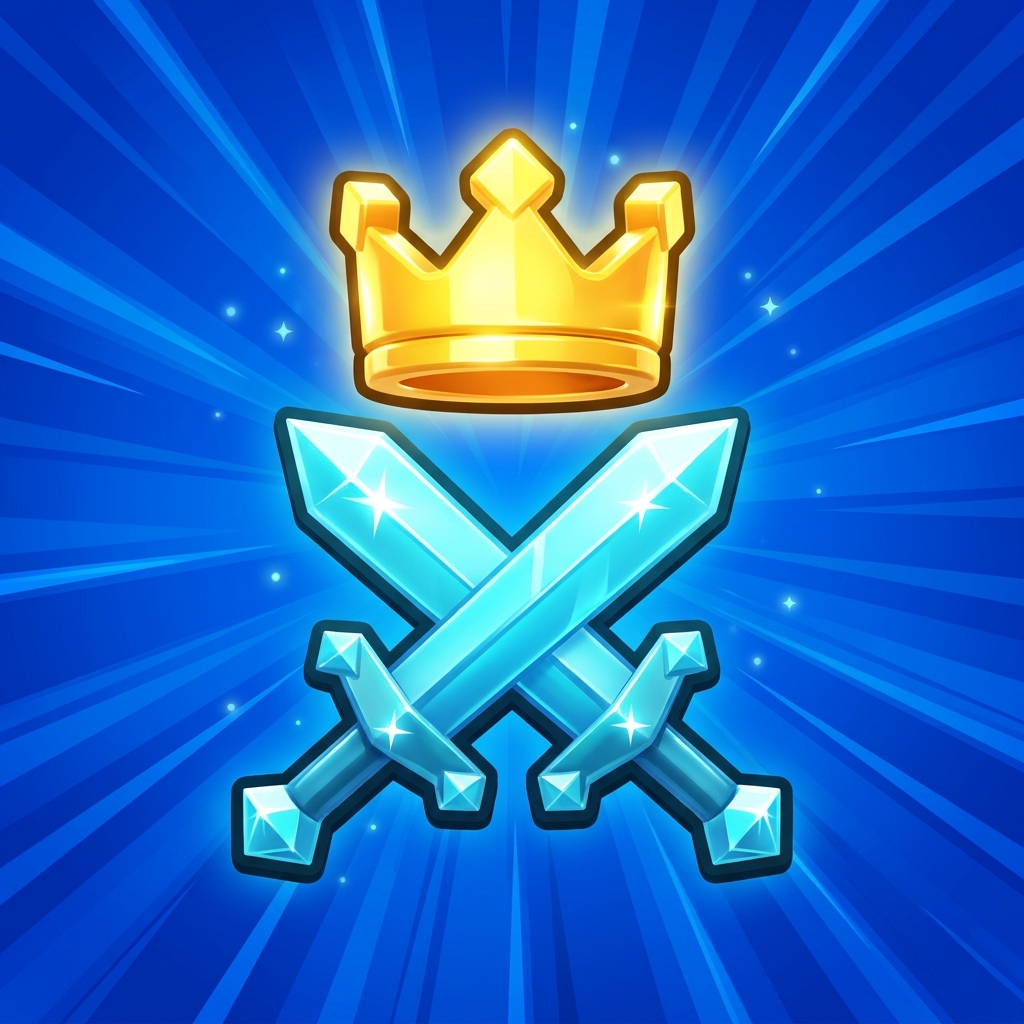
AI StudioCreate crisp 1:1 game icons with bold centered silhouettes that stay readable on mobile screens.
AI StudioRender dramatic 3D blocky character art with volumetric rim lighting and action VFX in seconds.
AI StudioDesign glossy 512×512 VIP, pet, and weapon pass icons centered for Roblox circular crops.
AI StudioGenerate vibrant 3D cartoon game title emblems and group logos for your experience branding.
100% FreeTest how your 16:9 thumbnail looks in the Roblox Discover feed before publishing — runs locally.
100% FreeInstantly crop and export exact 1920×1080 thumbnails, 512×512 icons, and circular gamepasses.
100% FreePreview 585×559 Roblox shirt templates on a blocky R6 avatar before paying 10 Robux to upload.
| Roblox Asset Type | Exact Dimensions | Aspect Ratio | Best Practice |
|---|---|---|---|
| Game Thumbnail | 1920 × 1080 px |
16:9 | Keep the main character centered; leave bottom corners clear of UI tags |
| Game Icon | 512 × 512 px |
1:1 | Use one oversized focal object + high contrast for small mobile tiles |
| Gamepass Icon | 512 × 512 px |
1:1 (Circular crop) | Keep subject inside the center 80% circle so edges are never cut off |
| Badge Icon | 150 × 150 px |
1:1 | Simple silhouette with thick outlines and minimal fine detail |
| Shirt / Pants Template | 585 × 559 px |
Fixed UV map | Validate seams in our Shirt Template Tester before uploading |
Yes. New accounts receive 20 free credits on Google sign-in so you can generate sample Roblox thumbnails or icons before paying. Our browser utilities (Thumbnail Safe-Zone Previewer, 512x512 Asset Resizer, and 585x559 Shirt Template Tester) are 100% free with no login required.
Unlike general-purpose AI tools that require long prompt engineering and often output off-brand styles, GFXBlox bundles tested Roblox R6/R15 blocky 3D render presets, exact 16:9 and 1:1 aspect ratios, and built-in Roblox preview & resize tools in one workflow.
Yes. Paid credit packs and monthly subscriptions include full commercial usage rights so you can publish your generated thumbnails, icons, gamepasses, and GFX directly in monetized Roblox experiences and YouTube videos.
Roblox game thumbnails use 16:9 (1920x1080), while game icons and gamepass icons use 1:1 (512x512). You can generate directly in 16:9 or 1:1 in our studio and export exact pixel dimensions using our free Roblox Asset Resizer.
No. GFXBlox is an independent AI creator tool built to help Roblox developers design game visuals faster. It is not affiliated with, sponsored by, or endorsed by Roblox Corporation.