100% Free Browser Utility · Zero Uploads
Free Roblox Thumbnail Previewer & Safe-Zone Checker
Test how your 16:9 game thumbnail looks inside a Roblox Discover card, check UI badge safe zones, and verify aspect ratio — 100% free and local in your browser.
Runs 100% locally in your browser — your thumbnail is never uploaded.
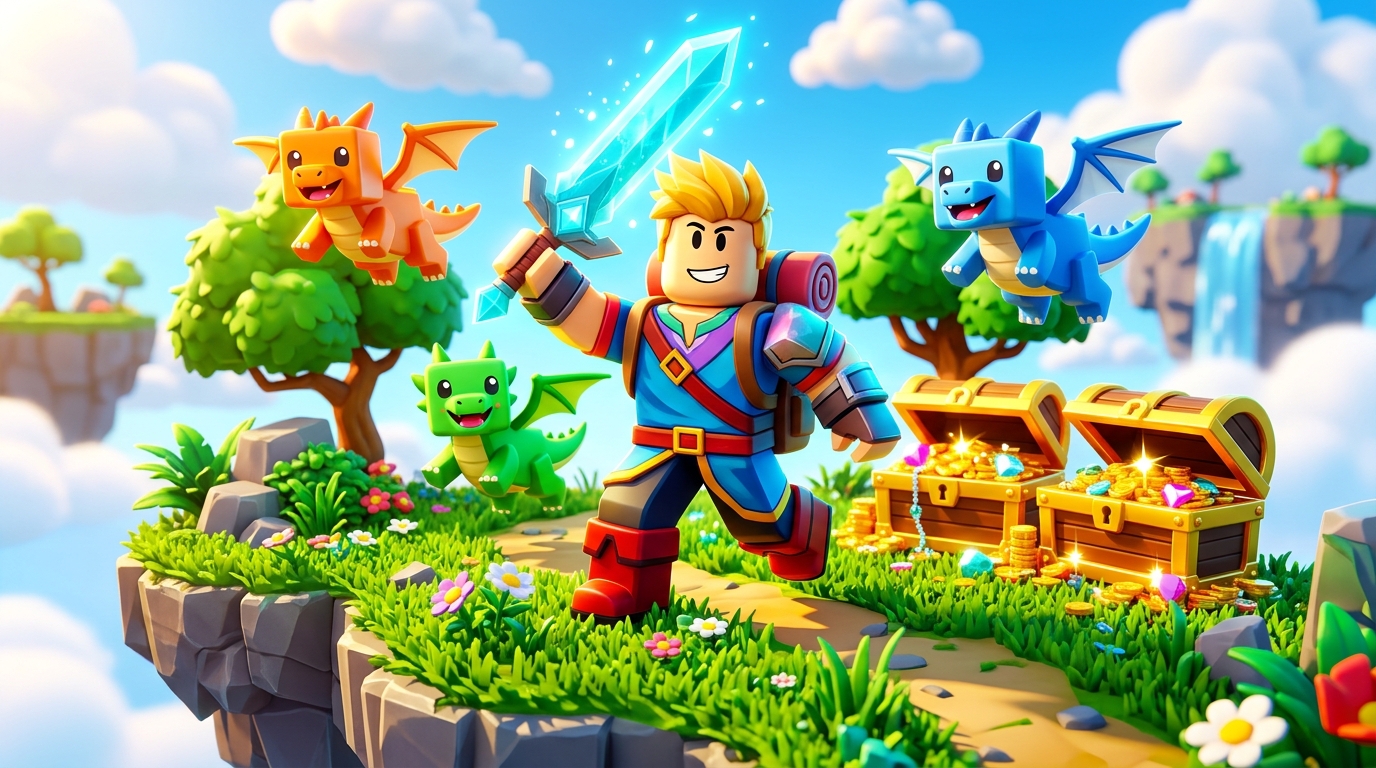
Why Preview Your Roblox Thumbnail Before Publishing?
Even a gorgeous 3D render can underperform on Roblox if key visual details sit in the wrong corners. In the Roblox app and desktop Discover feed:
- Aspect ratio mismatches cause Roblox to crop or letterbox your artwork unexpectedly.
- Corner badges & UI tags (such as Sponsored labels, Update badges, or event overlays) sit near the top-left and bottom-right edges of the
16:9card. - Small card scaling shrinks a
1920 × 1080image down to ~320 × 180CSS pixels, making thin text or tiny background characters unreadable.
How to Use This Free Safe-Zone Previewer
- Select your local thumbnail file (
PNG,JPG, orWebP). Everything runs 100% locally in your browser — your unreleased game art is never uploaded to any server. - Check aspect ratio automatically: The status bar immediately tells you your image's exact pixel resolution and whether it matches Roblox's
16:9ratio. If not, jump to our free Roblox Asset Resizer to crop it cleanly to1920 × 1080. - Toggle Safe-Zone Guides: Inspect the dashed margin and corner badge zones to make sure your hero character's face, weapon, and focal action stay completely unobstructed.
- Test your Experience Title & Rating: Type different game title variations (e.g.,
[UPD 4] Dragon Blade Simulator) to see how your title pairs visually beneath the thumbnail card.
Need a fresh thumbnail variation to A/B test? Open our AI Roblox Thumbnail Maker to generate new 16:9 covers in seconds.
Frequently Asked Questions
Is this Roblox thumbnail previewer completely free?
Yes. The Roblox Thumbnail Safe-Zone Previewer is completely free to use with no account, no credits, and no watermarks.
Are my unreleased game thumbnails uploaded to your server?
No. Your image file is read locally via your browser's URL.createObjectURL API and never leaves your computer or phone.
What is the safe zone on a 1920x1080 Roblox thumbnail?
Keep your main character, faces, and focal items within the central 80% of the 16:9 frame, leaving a 10% margin around the outer edges and corners where UI badges appear.
What if my thumbnail is not 16:9?
Use our free Roblox Asset Resizer to center-crop and export your image as an exact 1920x1080 PNG in one click.